

Key Features
Market Predictions
Participate in prediction markets
Position Tracking
Monitor your performance
Notifications
New events and resolved markets
Clans
Compete and share your winnings
Getting Started
Step 1: Start the Bot
- Launch the bot
- Click Start or send
/startto begin - The bot will automatically create a Solana wallet for you
Step 2: Wallet Setup
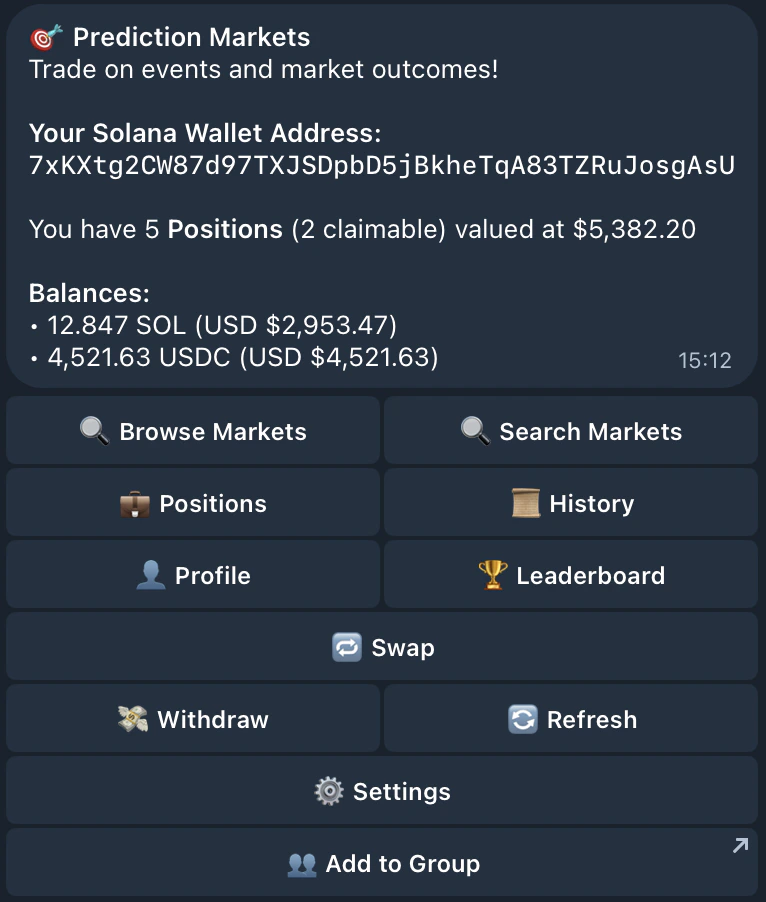
The bot automatically creates a Solana wallet for you when you first start using the bot in a private chat. Your wallet address is displayed in the main menu. You can:- Copy the address to receive funds from exchanges or other wallets
- View your balances (SOL and USDC) directly in the menu
- Export your private key if you want to use the wallet elsewhere
- Import your wallet in case you prefer
Step 3: Fund Your Wallet
Before you can place predictions, you need to fund your wallet with SOL and USDC:- Copy your wallet address from the main menu
- Send SOL and USDC to this address:
Important: Keep some SOL in your wallet for transaction fees.
Step 4: Browse Events
- From the main menu you can browse or search:
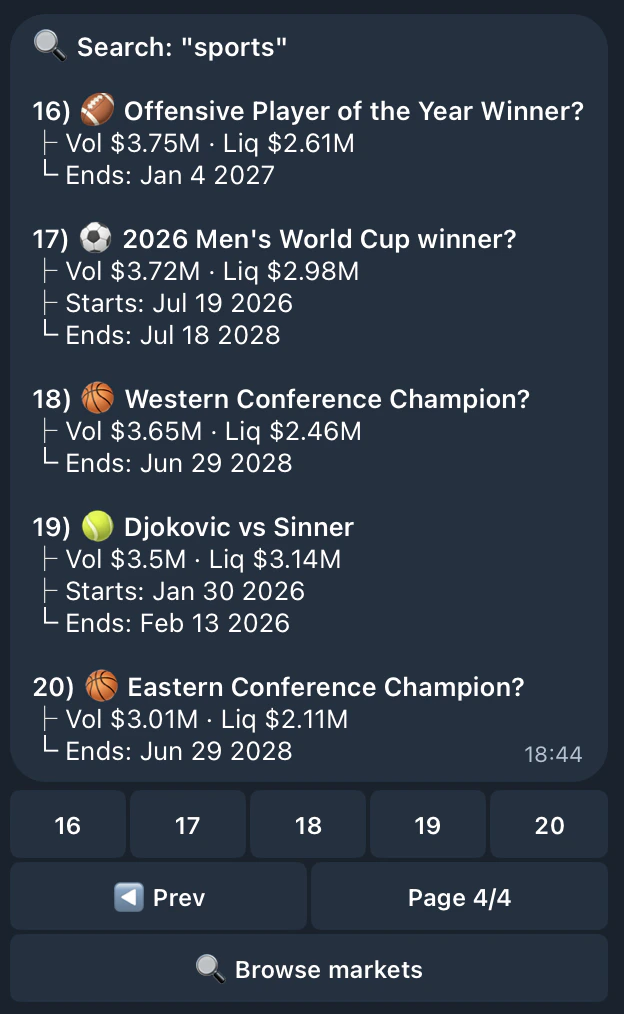
- At any moment you can search by keywords:
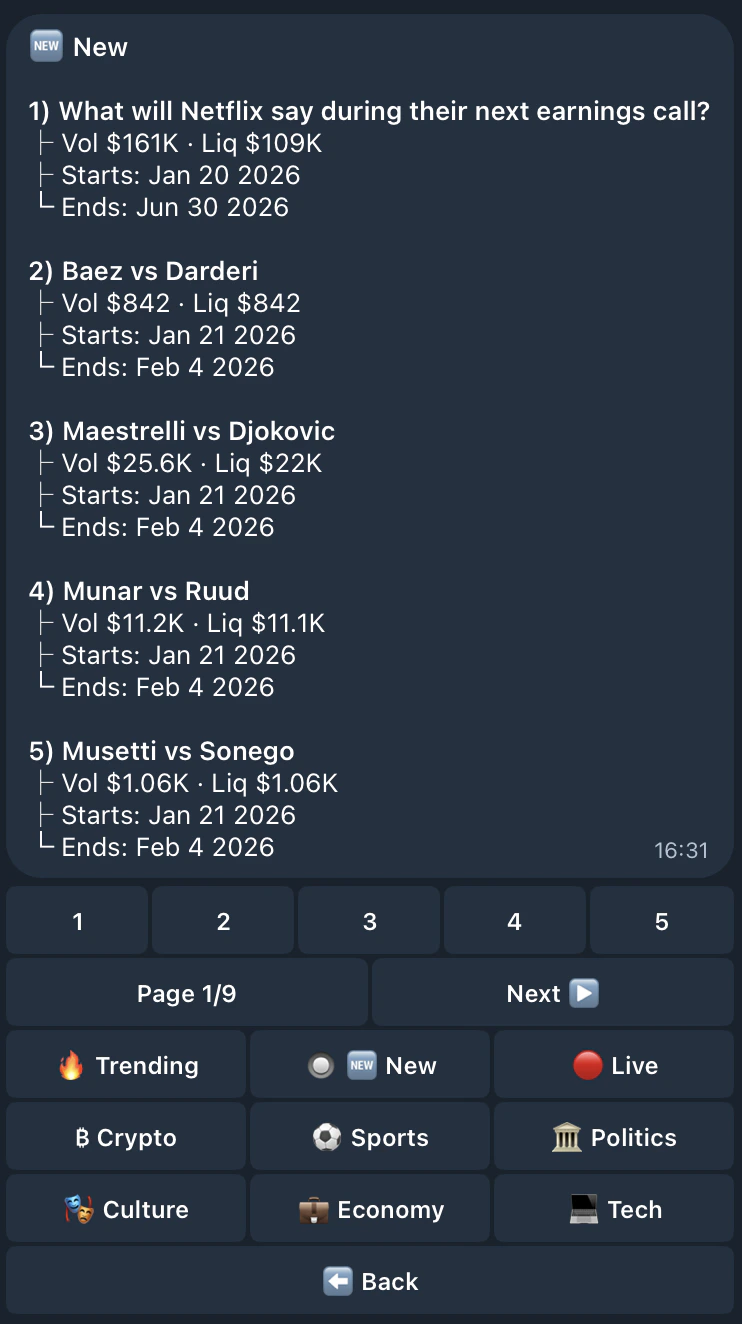
- When browsing, narrow down events by category or other filters, select an event to view available markets:
- Choose a market to see details and place a prediction
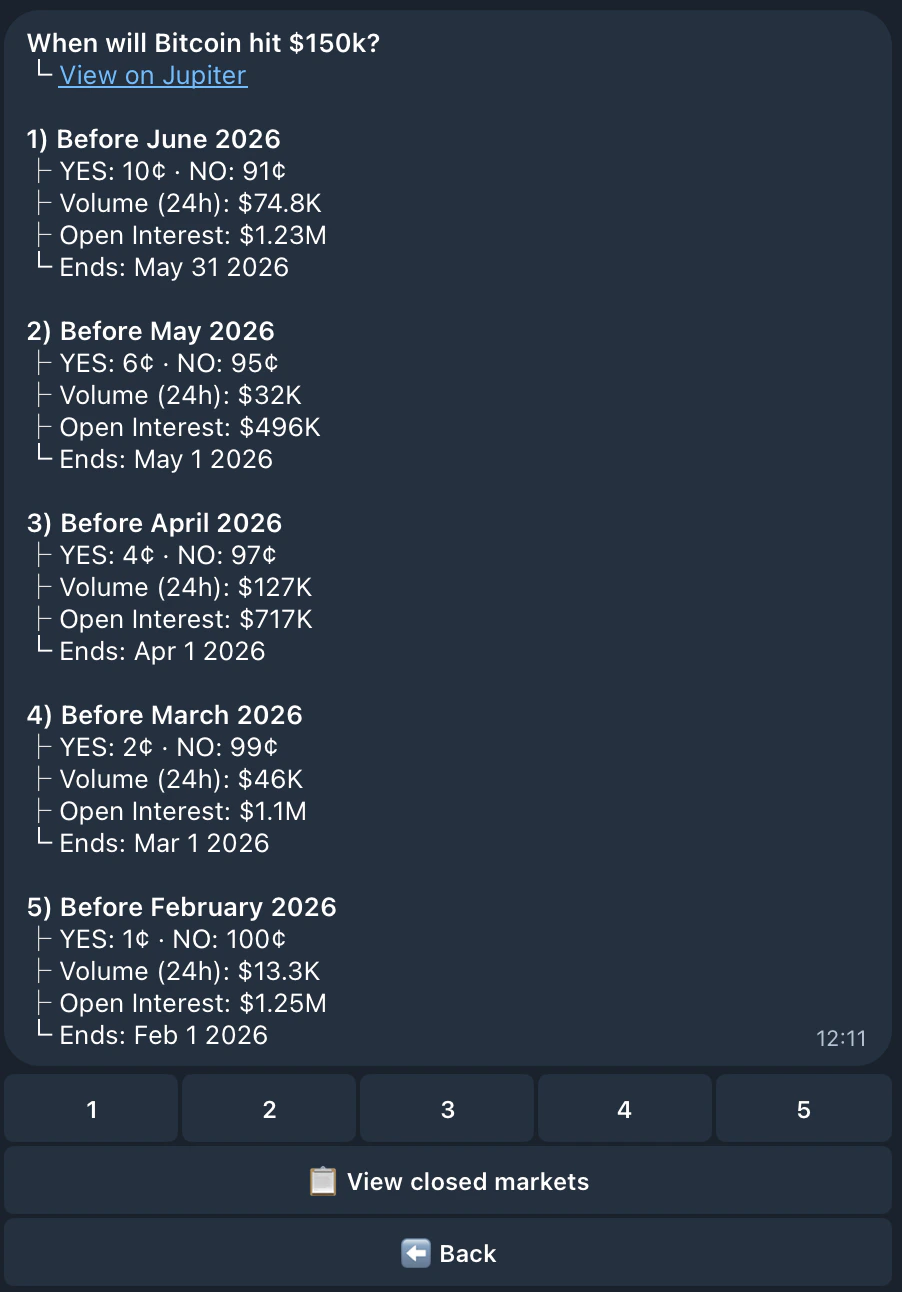
Step 5: Place Your First Prediction
- Select a market from the event
- Choose YES or NO as the outcome
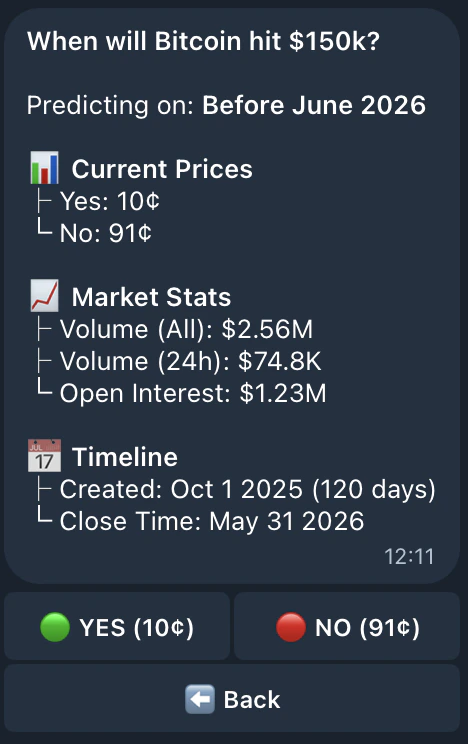
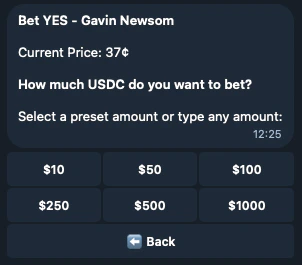
- Select your prediction amount (preset or custom by typing it)
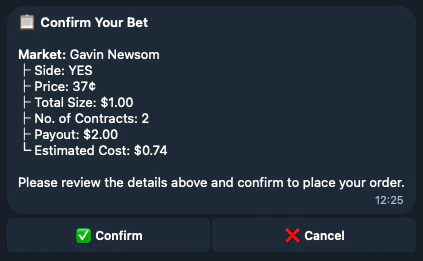
- Confirm your prediction
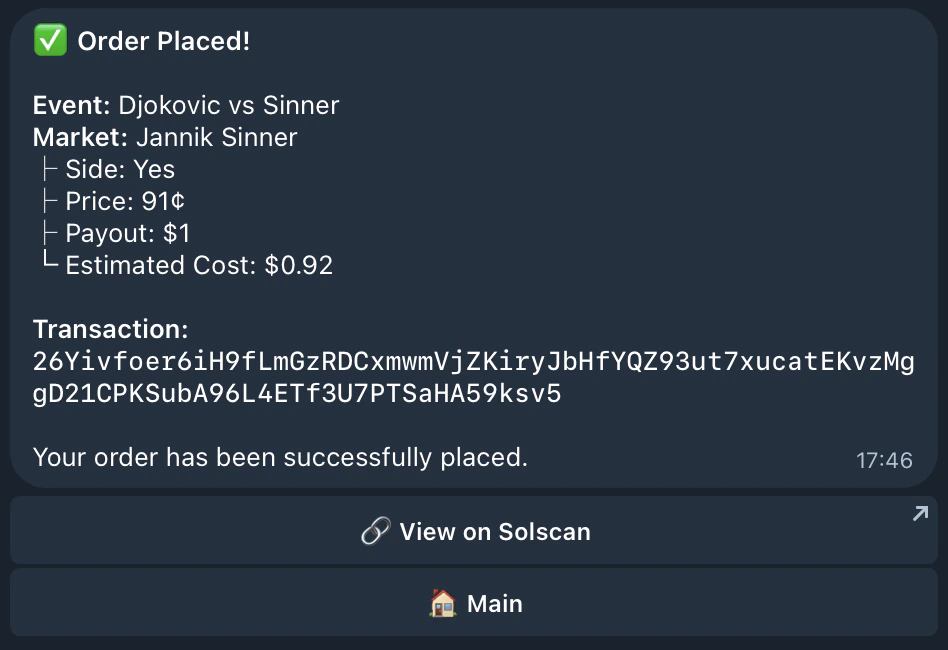
- Your order will be placed!
Step 6: Track Your Positions
- Go back to the main menu
- Click 💼 Positions to view all your active positions
- Monitor your positions and wait for markets to settle
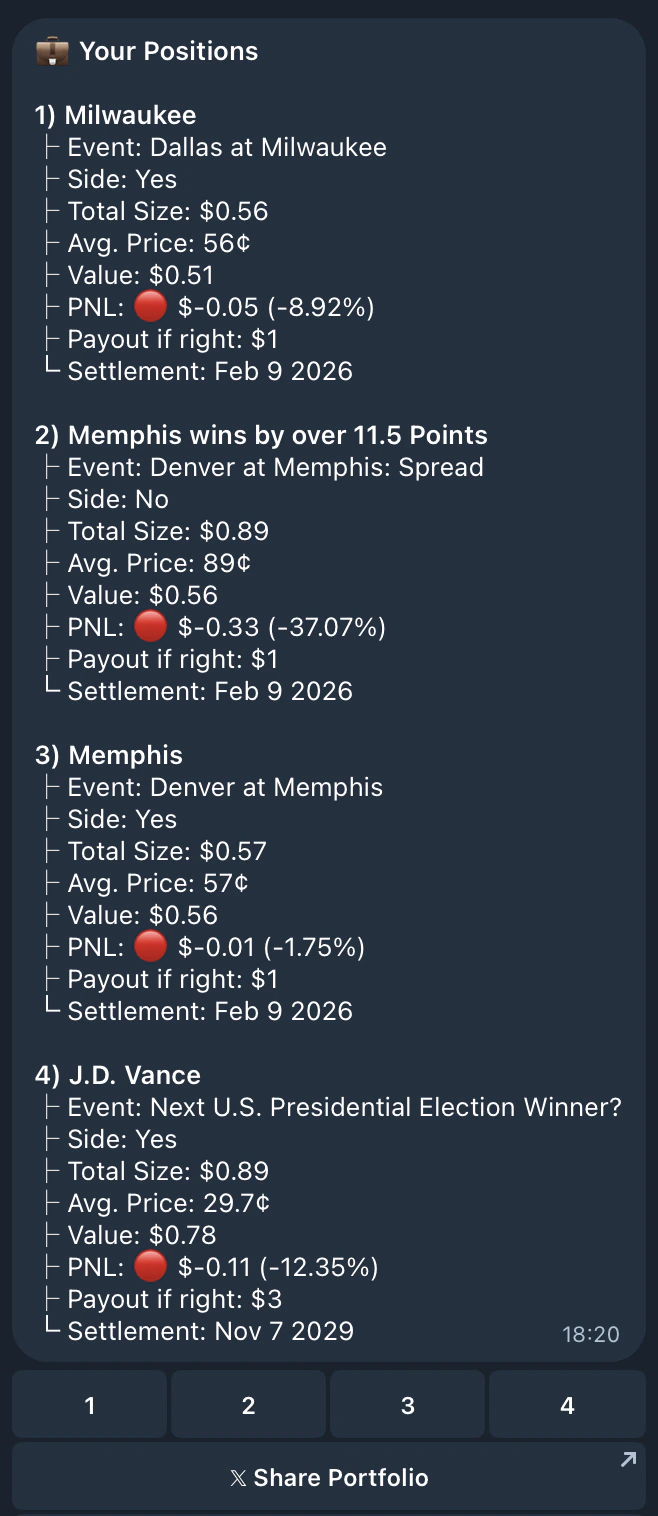
- Select a position to view details, close it early, or share your portfolio:
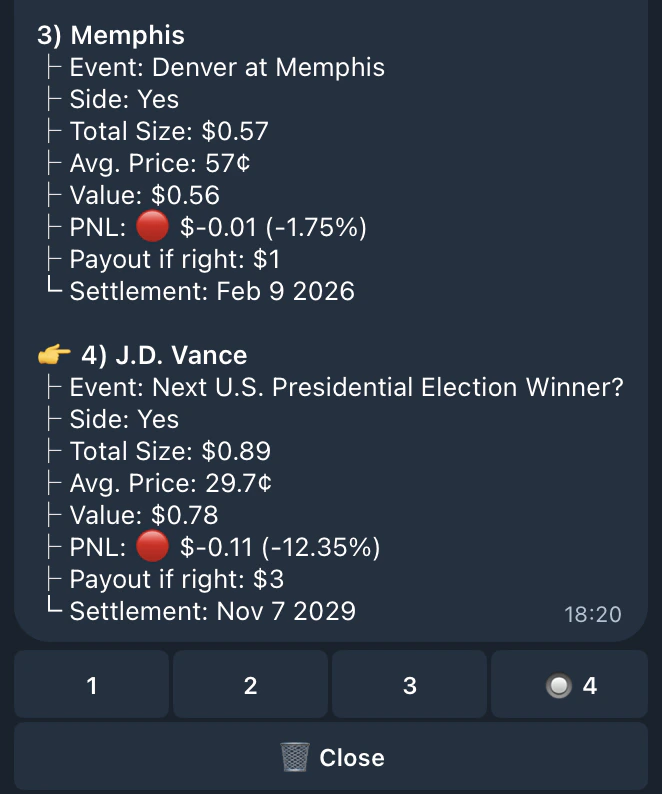
Step 7: Join a Clan
Clans let you compete with friends and track your group’s performance on the leaderboard.- Go to ⚙️ Settings → 👥 Clan Settings
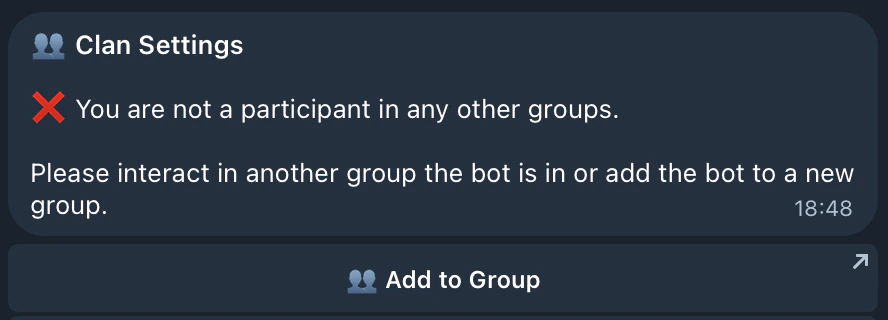
- Add the bot to a Telegram group to create or join a clan
- Once in a group, you can view your clan’s stats and members:
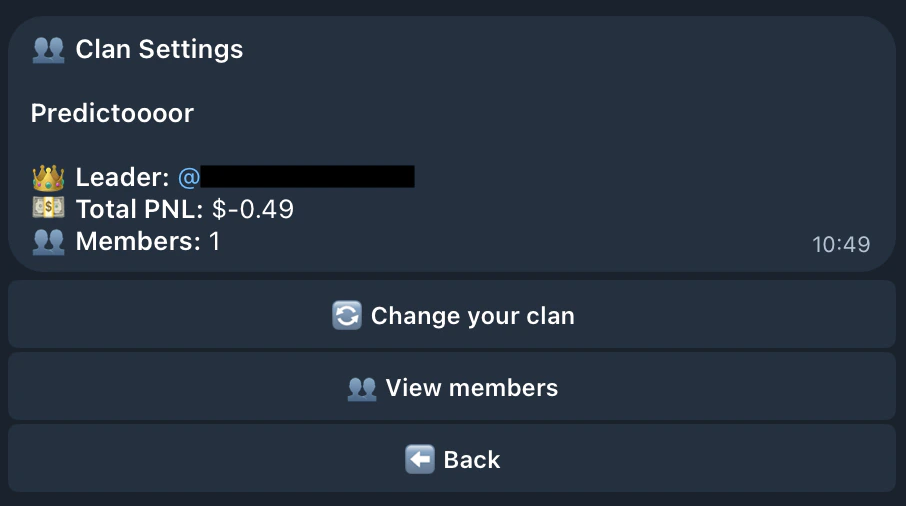
- Check out the 🏆 Leaderboard to see how you and your clan rank:
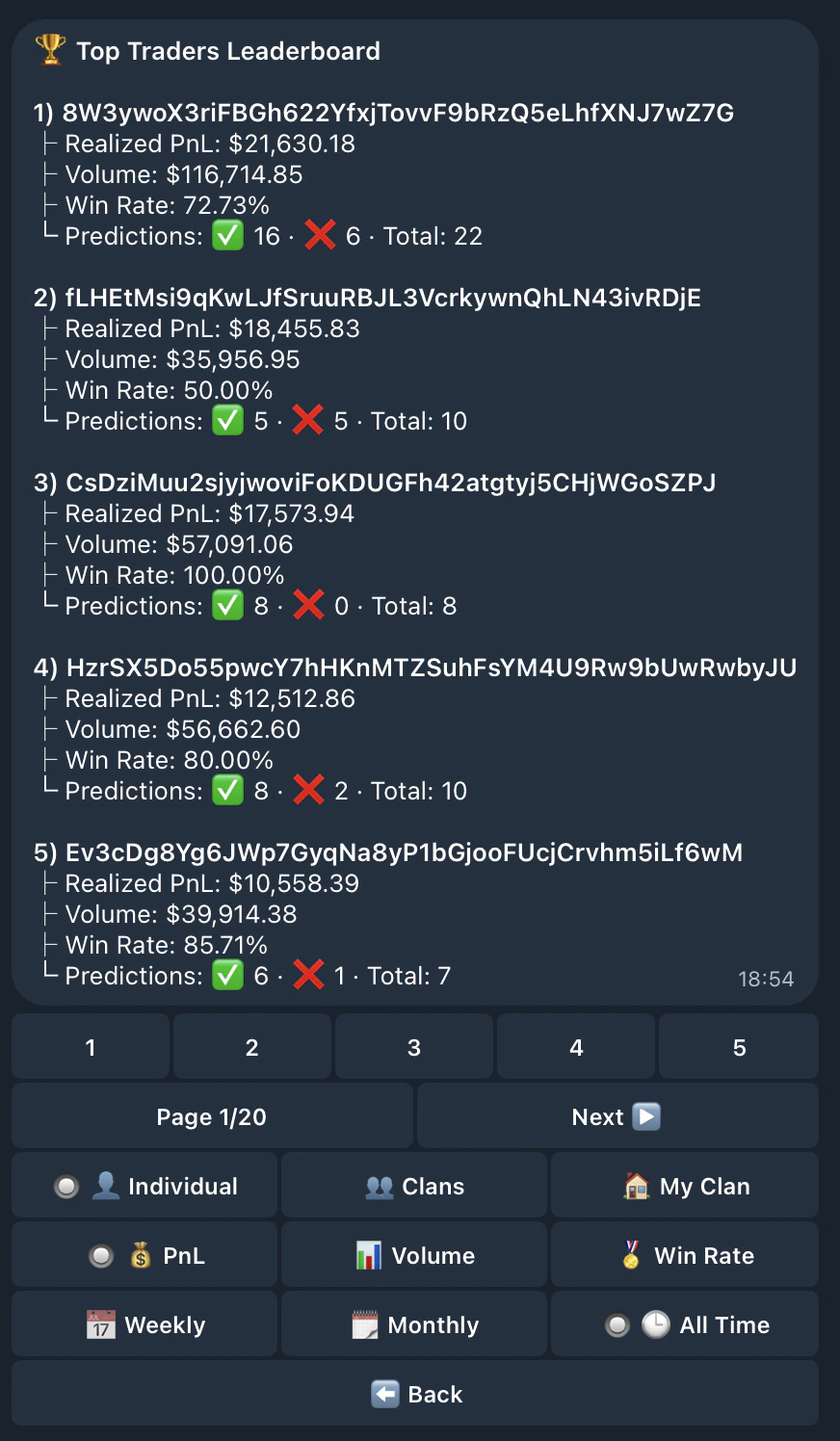
- Individual or Clans rankings
- PnL, Volume, or Win Rate
- Weekly, Monthly, or All Time periods
Security Best Practices
- ✅ Never share your private key with anyone
- ✅ Keep some SOL in your wallet for transaction fees
- ✅ Verify addresses before sending large amounts
- ✅ Use the export feature only when necessary
- ✅ Keep your Telegram account secure (2FA enabled)
Next Steps
Now that you’ve learned the basics, explore these guides:Notifications
Wallet Management
Commands
FAQs
Need Help?
- Check out our FAQs
- Join our Community on Discord